Appearance
Panel
The admin panel allows for the creation, updating, and deletion of members. It also supports adding images and Vimeo videos.
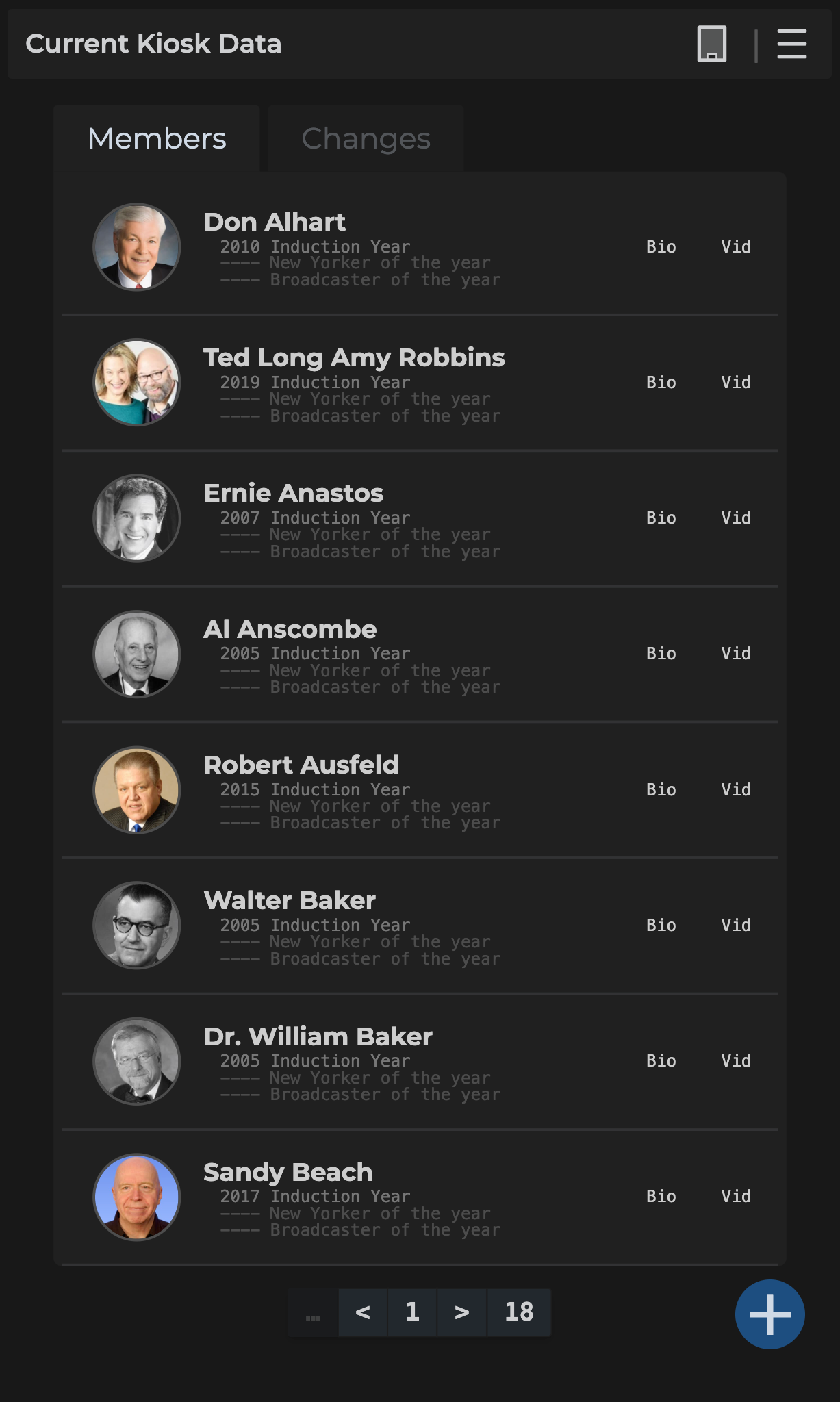
As admin, when signing in, you may see a loading screen with helpful tips. Once loaded, you'll see a layout similar to the image below.
The admin panel section is divided into three parts:
- Nav Bar - Details the icons on the upper right and status for changes
- Tabs - Describes the two main tabs: Members and Changes
- Making Changes - Explains how to edit data and send changes to the kiosk in bulk